1400 ANSI Lumens 4K Projector: Bright WiFi Cinema
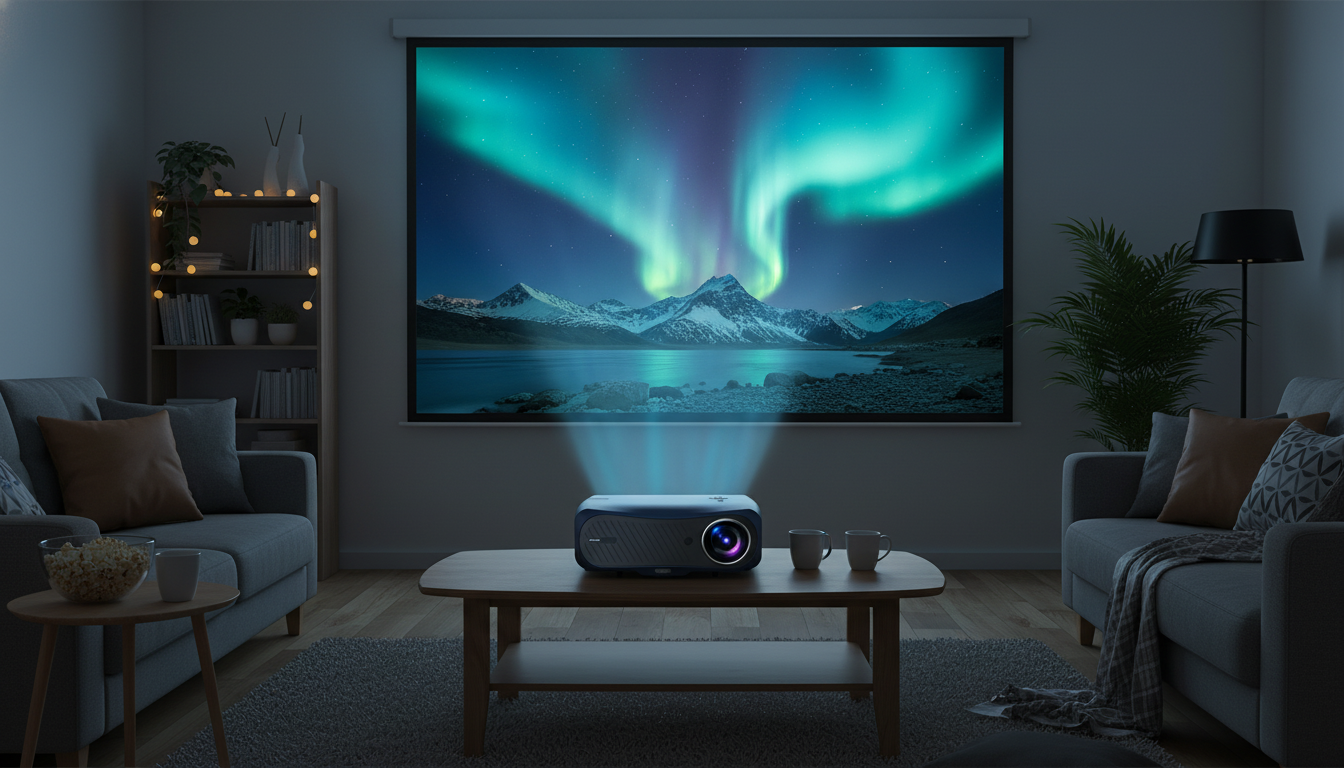
Bright, Detailed Home Theater Without the Cable Mess
A bright projector can make movie night feel effortless—clear highlights, legible subtitles, and less fussing with cables. A 1400 ANSI lumens 4K-class home theater projector with WiFi and Dolby Audio is designed for real homes where lighting isn’t always perfect and streaming convenience matters. Below is what that spec mix tends to deliver, how to dial in a sharp picture quickly, and which practical details to confirm before checkout. For more guidance, see Top 4K Home Theater Projectors in 2026: What Really Defines “Best”.
Who This Projector Fits Best
- Apartment and living-room setups where lights are not always fully controlled
- Movie and series viewers who want a sharper, more detailed image for larger screens
- Casual gamers looking for a big-screen experience (verify latency/mode settings in the product page before competitive play)
- Users who prefer wireless casting/streaming options to reduce cable clutter
What 1400 ANSI Lumens Means in Real Rooms
“ANSI lumens” is more useful than vague “LED lumens” style marketing because it’s based on standardized measurement practices used across lighting and display testing. While projector brands may still vary in implementation, ANSI-rated brightness generally tracks better with what you’ll see on the wall than inflated claims. (For the underlying approach to standardized photometric testing, see ANSI/IES LM-79.)
In day-to-day use, 1400 ANSI lumens is typically strong enough for comfortable viewing with some ambient light, especially if you keep the image size in a reasonable range. The moment you push very large screen sizes in daylight, you’ll usually want either better light control (curtains) or a higher-gain screen to keep the image from looking flat.
Quick room-light guide
| Room lighting | What to expect | Helpful tweaks |
|---|---|---|
| Dark / lights off | Highest contrast and punch | Use cinema/movie mode; lower sharpness to avoid halos |
| Dim lamps on | Comfortable viewing, good highlights | Use a neutral screen; reduce lamp reflections behind seating |
| Daylight / open blinds | Image can look washed on large sizes | Shrink image size; use a higher-gain screen; close curtains |
Remember that perceived brightness isn’t just about the projector: screen gain, throw distance, and picture mode can shift the result dramatically. A “bright” mode can help with sports in the afternoon, while a movie/cinema mode often looks richer at night.
4K Ultra HD: What to Look For Beyond the Label
“4K” on a projector can mean native 4K or a pixel-shifting design that displays a 4K-addressable image. Both can look impressively crisp at typical sofa distances, especially when the projector has solid focus uniformity and you feed it a clean source.
- Confirm whether the unit is native 4K or uses pixel-shifting; both can look very sharp at typical seating distances.
- Source quality matters: streaming bitrate and HDMI device output settings can limit detail.
- For best clarity, match projector output to the content (avoid forcing overly aggressive upscaling).
- Keep lens and vents clean; dust and haze reduce perceived sharpness and contrast.
If a scene looks “crunchy,” it’s often oversharpening rather than real detail. Dropping sharpness a few clicks and using a warmer movie preset frequently produces a more cinematic look—skin tones calmer, edges cleaner, subtitles easier to read.
WiFi Streaming and Casting: Keeping It Reliable
Wireless playback is the whole point of a WiFi-enabled projector: fewer boxes, fewer cables, and faster setup when friends want to cast a clip or queue up a show. Reliability, though, depends on the network environment.
For consistent 4K playback from external devices, HDMI remains the dependable option because it avoids WiFi congestion and codec quirks. HDMI capabilities also vary by device and cable, so it’s worth referencing the official HDMI specifications when pairing consoles, AV receivers, or long cable runs.
Dolby Audio: Better Dialog, Better Balance
Dolby Audio support can improve how audio is decoded and processed versus basic stereo playback, often making dialogue feel clearer and volume transitions less jarring. (More on the technology at Dolby Audio.)
Setup Checklist for a Sharp, Comfortable Picture
Everyday Use Tips: Cooling, Noise, and Longevity
Product Snapshot and What’s Included
If the goal is a bright-enough living-room cinema with simple wireless playback, the 1400 ANSI Lumens 4K Ultra HD Home Theater Projector with WiFi & Dolby Audio is positioned as an all-in-one option. Before purchase, confirm you have the right ports for your console, soundbar, or streaming device, and plan accessories like an appropriately long HDMI cable, a ceiling mount (if desired), and a screen for the best contrast.
| Item | Detail |
|---|---|
| Product | 1400 ANSI Lumens 4K Ultra HD Home Theater Projector with WiFi & Dolby Audio |
| Price | $655.17 USD |
| Availability | In stock |
| Product page | View details |
More in-stock picks on the same store
- Boost Your AI Prompts for Better Output – Checklist for Creators, Coaches & Entrepreneurs | Digital Download
- Double-Layer Foldable Pet Stroller with Portable Carrier for Dogs and Cats
- Returning to Work After Motherhood: Your Ultimate Guide for Stay-at-Home Moms
FAQ
Is 1400 ANSI lumens enough for a living room with some lights on?
Yes, it can be a solid fit for dim-to-moderate ambient light, especially if you keep the screen size in a sensible range and use a proper projector screen. For brighter rooms, closing curtains and using 5 GHz WiFi (when available) can help maintain both perceived image quality and streaming stability.
Does WiFi replace the need for HDMI?
WiFi is great for convenience—casting and quick streaming without extra cables—but HDMI is usually more consistent for consoles and dependable 4K playback. If wireless performance varies, an HDMI streaming stick is often the simplest reliability upgrade.
What does Dolby Audio change for movies?
Dolby Audio can improve decoding and processing so dialogue sounds clearer and the overall mix feels better balanced than basic stereo playback. The biggest jump in impact still comes from adding external speakers, and placement helps avoid muffled sound.















Leave a comment